
Making Friends | 2026-05-20
How to Protect Your Privacy Online in Everyday Digital Life
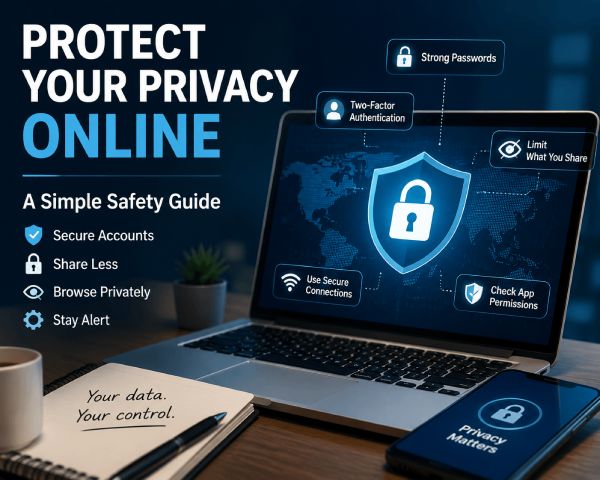
Protecting your privacy online is not about hiding from the world. It is about feeling safer and more in control when you chat, browse, shop, share photos, or meet new people through apps.
Every account you create, app you download, website you visit, or form you fill out can add more information to your digital footprint. Your email address, location, browsing habits, photos, and payment details may all be collected or stored in ways you do not always notice.
The good news is that online privacy does not have to be complicated. Simple habits, such as using stronger passwords, turning on two-factor authentication, limiting what you share, checking app permissions, and avoiding suspicious links, can make your digital life much safer.
This guide walks you through practical steps to protect your personal information while still enjoying the online spaces you use every day.
Why Your Online Privacy Matters in Daily Life
Online privacy matters because your personal information is connected to almost everything you do online. From shopping and banking to social media and app use, your data can reveal who you are, where you go, what you like, and how you spend money. If that information is not protected, it can be used in ways you may not expect.
What Recent Privacy Research Shows
Based on a 2023 Pew Research Center report, 78% of U.S. adults trust their own ability to make right decisions about personal information. Despite this, 61% feel skeptical that their actions make a difference in protecting their data, and 56% frequently click “agree” to privacy policies without reading them.
That is why online privacy advice needs to be practical. Most people will not read every policy or change every setting at once. A better approach is to focus on high-impact habits: use unique passwords, enable two-factor authentication, limit public sharing, check app permissions, and pause before sharing private details in chats.
Your Personal Data Can Be Collected and Shared
Websites, apps, advertisers, and online platforms can collect data such as your email address, location, browsing history, search behavior, and purchase activity. Some of this data is used to personalize content or ads, but it may also be shared with third parties. The more information you leave online, the easier it becomes for others to build a profile about you.
Privacy Problems Can Turn Into Security Risks
Privacy issues are not only about unwanted ads or tracking. If personal information is exposed, it can increase the risk of phishing, identity theft, account hacking, or financial fraud. A leaked email address, phone number, or birthday may help scammers create more convincing messages. Protecting your privacy is also a basic step toward protecting your online security.
The Real Privacy Risk Is Not One Big Mistake
Online privacy is often treated like a technical problem, but in daily life, it is usually a behavior problem first. Most people do not lose control of their information because of one dramatic mistake. It often happens through small repeated actions: using the same password, accepting every app permission, sharing personal details too early, clicking a rushed message, or treating a new online connection like someone they already know.
This matters even more on social and video chat platforms, where conversations feel immediate and personal. A live chat can build trust quickly, but that does not mean you should share your full name, home address, workplace, school, financial details, private photos, or verification codes. According to a Pew Research Center report released in October 2023, 81% of U.S. adults are concerned about how companies use their data, and 73% feel they have little to no control. Additionally, 67% say they understand little to nothing about how companies use their personal data, a rise in confusion from 59% in 2019.
Start With the Accounts You Use Every Day
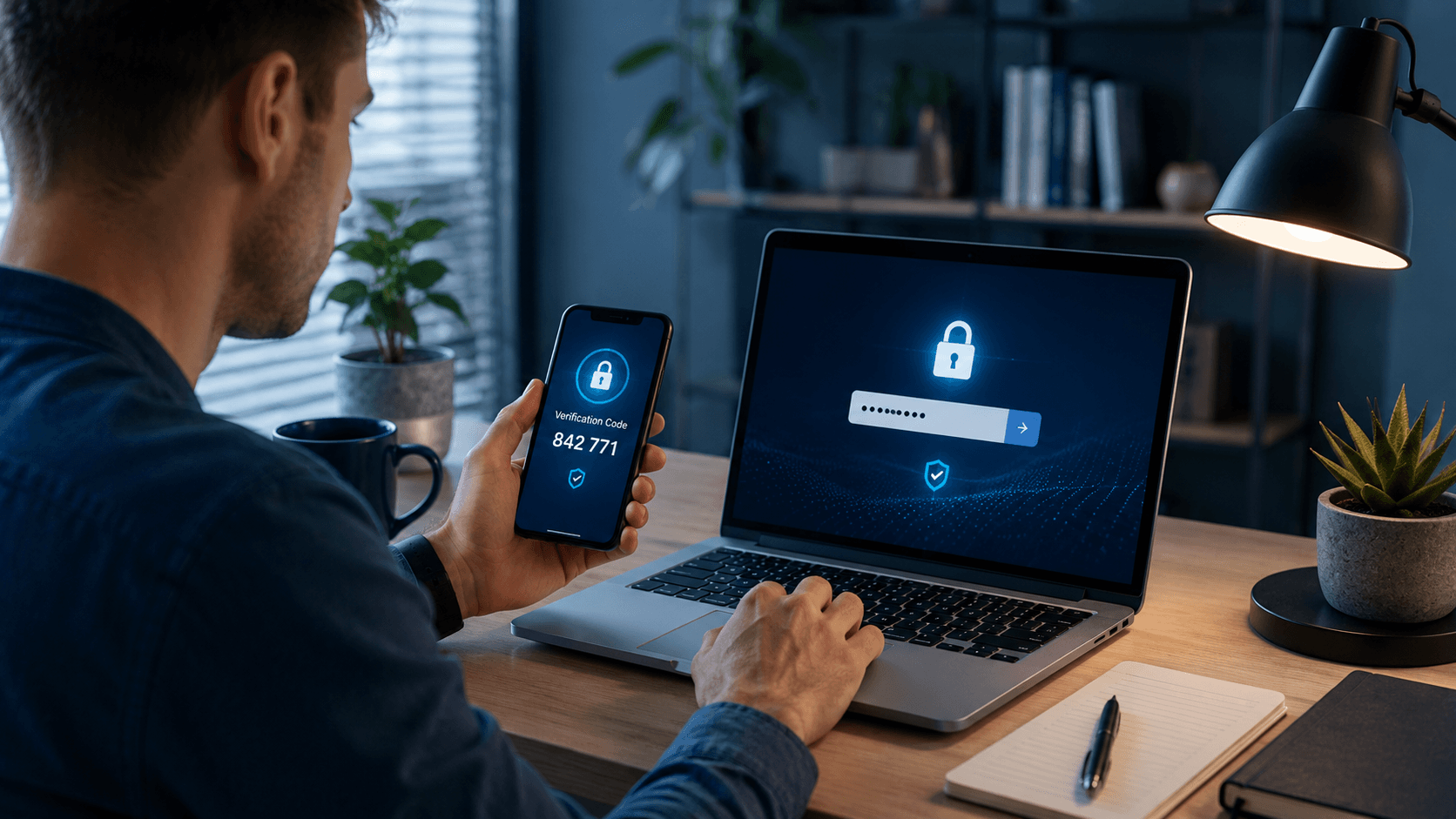
Your online accounts are often the first place to start when improving digital privacy. If someone gets access to your email, banking account, cloud storage, or social media, they may also gain access to personal messages, photos, payment details, saved addresses, and other private information. Strong account protection makes it much harder for others to break in.
Use Strong and Unique Passwords
A strong password should be hard to guess and different for every account. Using the same password across multiple websites is risky because if one site has a data breach, attackers may try that same password on your email, shopping, banking, or social media accounts.
A safer password should include:
- At least 12 characters
- A mix of letters, numbers, and symbols
- No obvious personal details, such as your birthday or pet’s name
- No repeated passwords across different accounts
A passphrase can also work well. For example, a long phrase made of unrelated words is usually easier to remember and harder to crack than a short password.
Turn On Two-Factor Authentication
Two-factor authentication, also called 2FA, adds another layer of protection beyond your password. Even if someone knows your password, they still need a second verification step to access your account.
Common 2FA methods include:
- An authentication app
- A security key
- A text message code
- An email verification code
- A biometric check, such as fingerprint or face recognition
For important accounts like email, banking, cloud storage, and social media, 2FA is especially useful. When possible, an authentication app or security key is usually safer than SMS codes because phone numbers can sometimes be targeted through SIM swap scams.
Use a Password Manager
A password manager helps you create, store, and autofill strong passwords without needing to remember every one. This makes it easier to use unique passwords across all your accounts instead of reusing the same simple password.
A password manager can help you:
- Generate strong passwords automatically
- Store passwords in an encrypted vault
- Autofill login details on trusted websites
- Warn you about weak or reused passwords
- Help you update passwords after a data breach
You only need to remember one strong master password. Once your main accounts are protected with unique passwords and 2FA, you create a much safer foundation for your online privacy.
Be Mindful About What You Share Online
One of the simplest ways to protect your privacy online is to share less in the first place. The more personal information you post, submit, or leave public, the easier it becomes for companies, strangers, scammers, or data brokers to collect details about you. You do not need to disappear from the internet, but you should be more selective about what you share.
Protect Your Privacy When Meeting New People Through Live Chat Apps
Meeting new people online can be fun, but privacy boundaries should be clear from the start. On a platform like LivU, users can connect through live video chat, direct video calls, text chat, and real-time translation, which makes conversations feel more natural and immediate. That convenience also means users should think carefully before revealing personal details too soon.
A simple rule is to separate “friendly” from “private.” It is fine to talk about hobbies, travel interests, music, movies, culture, or general daily life. It is not a good idea to share your exact location, private contact information, workplace, financial details, ID documents, or passwords.
LivU’s own community guidelines also prohibit sharing private and confidential information without consent, which reinforces the point that privacy is not only a personal habit but also part of safer community behavior.
If someone pressures you to move too fast, asks for sensitive details, requests money, or makes you uncomfortable, stop the conversation and use the platform’s reporting tools. LivU says users are encouraged to report inappropriate behavior, and its safety approach includes user tools, moderation, and privacy safeguards.
Keep Personal Details Out of Public Posts
Social media can reveal more than you realize. Photos, captions, check-ins, comments, and even small personal updates can show where you live, where you work, who you spend time with, and when you are away from home.
Try to avoid posting details such as:
- Your home address or daily routine
- Travel plans before or during a trip
- Photos that show IDs, tickets, license plates, or documents
- Your phone number, personal email, or workplace details
- Private family information, especially about children
It is also a good idea to check your privacy settings. Limit who can see your posts, hide your friend list if possible, and avoid accepting requests from people you do not know.
Think Twice Before Filling Out Every Field
Many websites ask for more information than they actually need. Before filling out a form, ask yourself whether the service really needs your birthday, phone number, address, or other personal details.
To reduce unnecessary data sharing, you can:
- Fill in only required fields
- Use a separate email for shopping or newsletters
- Avoid saving payment details on sites you rarely use
- Read permission requests before creating an account
- Skip quizzes or “free tools” that ask for personal answers
If a website feels suspicious or asks for sensitive information without a clear reason, it is better to leave the page instead of submitting your details.
Clean Up What Is Already Public
Your old online activity can still affect your privacy today. Posts from years ago may include personal details, location clues, old usernames, school information, or photos you no longer want public.
Take time to review:
- Old social media posts and photo albums
- Public profile bios
- Comments on forums or community pages
- Old usernames linked to your real name
- Public contact details on personal or work pages
You can delete outdated posts, change old privacy settings, or remove information that no longer needs to be visible. Cleaning up your digital footprint makes it harder for others to collect personal details about you.
Learn to Spot Suspicious Messages Before You Click
Protecting online privacy is not only about settings. It is also about recognizing tricks that scammers use to get your personal information. Phishing messages often look like they come from banks, delivery companies, social platforms, online stores, or even people you know.
Pause Before You Tap a Link
Suspicious links may appear in emails, text messages, social media messages, ads, or pop-ups. They may claim your account is locked, your package failed delivery, or you need to confirm payment details.
Be careful with links that:
- Create urgency or fear
- Ask you to log in immediately
- Promise prizes, refunds, or rewards
- Have spelling errors or strange formatting
- Use unfamiliar or shortened URLs
- Come from someone you do not recognize
Instead of clicking the link, go directly to the official website or app by typing the address yourself.
Keep Verification Codes to Yourself
Verification codes are used to prove that you own an account. Scammers may pretend to be customer support, a buyer, a friend, or a company employee and ask you to send them a code.
Never share:
- One-time passwords
- Two-factor authentication codes
- Login approval codes
- Password reset codes
- Bank verification codes
A real company should not ask you to send your private verification code through chat, email, or phone. If someone asks for it, treat it as a warning sign.
Check Who Is Really Contacting You
Scammers often use fake email addresses, copied logos, or similar-looking names to appear trustworthy. Before replying or sharing any information, check whether the sender is real.
Look for signs such as:
- Misspelled sender names
- Strange email domains
- Unexpected attachments
- Requests for urgent payment
- Messages asking for passwords or codes
- Links that do not match the official website
When a message feels suspicious, pause before responding. Contact the company or person through a trusted channel instead of replying directly. This simple habit can prevent many privacy and security problems.
Make Everyday Browsing a Little More Private
Browsing the internet often leaves behind data about what you search, which websites you visit, what you click, and what products you view. While you may not be able to avoid all tracking, you can reduce how much information websites and advertisers collect about you.
Cut Down on Cookies and Tracking
Cookies are small files websites use to remember your activity. Some cookies are useful, such as keeping you logged in or saving items in your cart. Others are used for tracking your behavior across different websites.
To reduce tracking, you can:
- Reject non-essential cookies when possible
- Clear cookies and browsing data regularly
- Block third-party cookies in your browser settings
- Use privacy-focused browser settings or extensions
- Turn off ad personalization where available
You do not need to block every cookie, but limiting unnecessary tracking can help reduce how much of your browsing activity is collected and shared.
Know What Private Browsing Really Does
Private browsing mode can be helpful, but it does not make you completely anonymous online. It usually prevents your browser from saving local history, cookies, and form data after the session ends.
However, private browsing does not hide your activity from:
- Your internet service provider
- Websites you visit
- School or workplace networks
- Some trackers and online services
- Accounts you log into during the session
Private mode is useful when you want to keep browsing history off your device, but it should not be treated as full online privacy protection.
Use Public Wi-Fi With Extra Care
Public Wi-Fi in cafés, airports, hotels, and shopping centers is convenient, but it can also be risky. Some public networks are not secure, and fake Wi-Fi networks may be set up to trick people into connecting.
When using public Wi-Fi, try to:
- Avoid logging into banking or sensitive accounts
- Use mobile data for important transactions
- Turn off automatic Wi-Fi connection
- Make sure websites use HTTPS
- Avoid sharing files or enabling device discovery
- Use a trusted VPN if you often use public networks
If a public Wi-Fi login page asks for too much personal information, avoid using it or switch to mobile data instead. Public Wi-Fi is fine for casual browsing, but private accounts and financial activity need extra care.
Check the Apps and Devices You Use Most
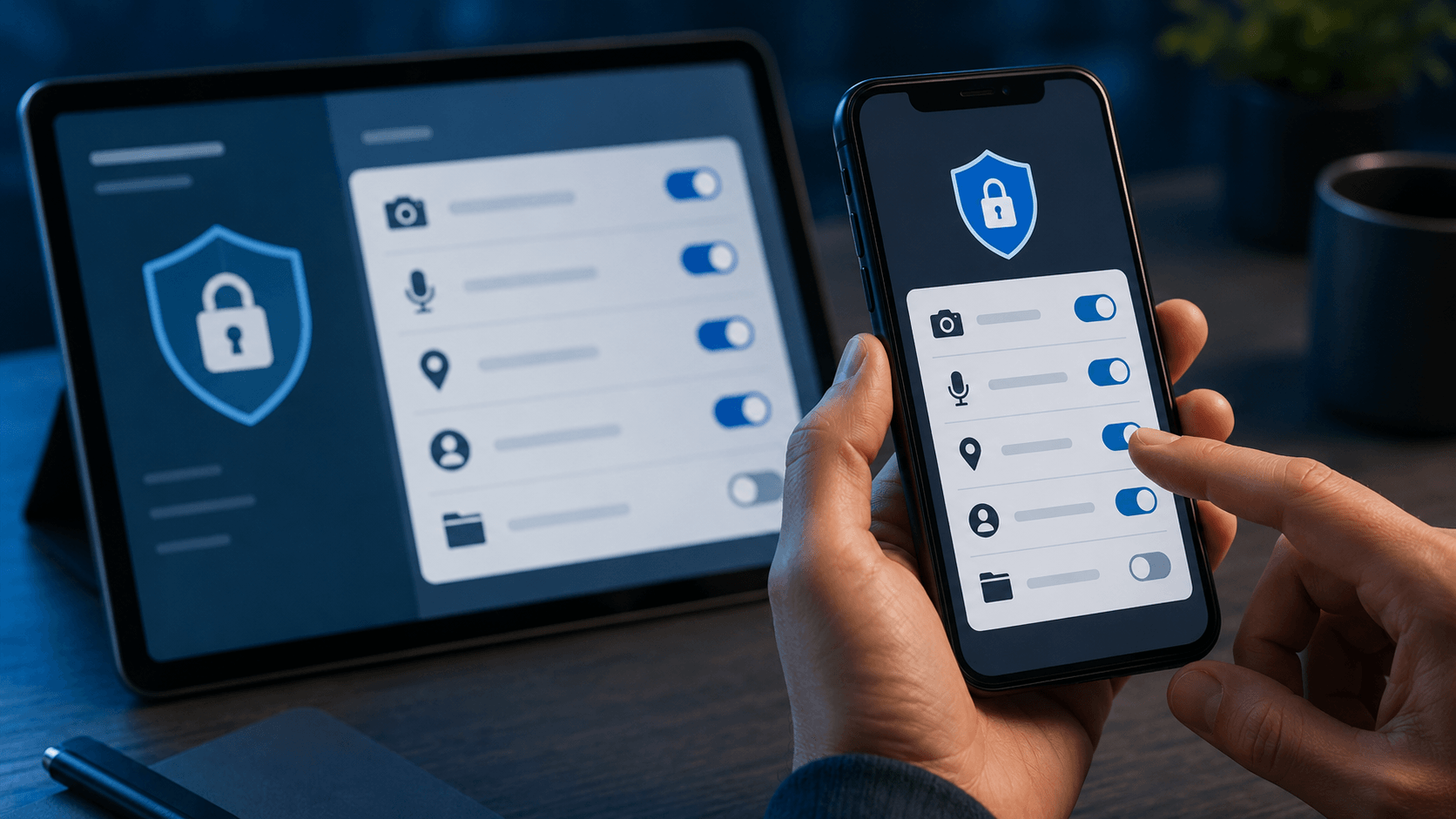
Your phone, tablet, and computer can collect a lot of personal information through apps, permissions, location services, microphones, cameras, and background activity. Checking these settings regularly helps you control what apps can access.
Review What Your Apps Can Access
Many apps ask for access to your camera, microphone, contacts, photos, location, or files. Some permissions are necessary for the app to work, but others may not be needed.
Review app permissions and ask:
- Does this app really need my location?
- Does it need access to my contacts?
- Does it need camera or microphone access all the time?
- Can I allow access only while using the app?
- Can I choose selected photos instead of my full gallery?
For example, a map app may need location access, but a simple game usually does not need your contacts or microphone. Giving apps only the permissions they need can reduce privacy risks.
Share Your Location Only When It Helps
Location data can reveal where you live, work, shop, travel, and spend time. Some apps use location to provide useful services, but many do not need constant access.
To protect your location privacy:
- Set location access to “while using the app”
- Turn off precise location when exact tracking is not needed
- Disable location access for apps you rarely use
- Avoid location tagging in photos and social posts
- Review location history settings on your device
Small changes to location settings can make a big difference in reducing your digital footprint.
Remove Apps You No Longer Need
Old apps can still store data, send notifications, track activity, or keep access to your account information. If you no longer use an app, keeping it on your device may create unnecessary privacy risk.
A simple app cleanup can include:
- Deleting apps you have not used in months
- Removing old accounts when possible
- Revoking login access from connected services
- Updating apps you still use
- Checking subscriptions linked to old apps
Fewer apps mean fewer companies collecting your data and fewer settings you need to manage.
Conclusion: Build Safer Online Habits One Step at a Time
Protecting your online privacy does not require you to change everything at once. Start with the basics: secure your accounts, use strong passwords, turn on two-factor authentication, and be more careful about what you share online.
Small habits can make a big difference over time. Review your app permissions, limit tracking, avoid suspicious links, and clean up old public information when you can. The more control you take over your digital footprint, the safer and more private your online life becomes.
FAQ
Is LivU Safe for Online Video Chat?
LivU includes safety and privacy features such as video chat protections, reporting tools, community guidelines, and moderation support. However, users still need to protect their own privacy by avoiding sensitive personal details, using strong account security, and reporting inappropriate behavior when needed.
What Should I Avoid Sharing in a Live Video Chat?
Avoid sharing your exact location, home address, workplace, financial information, ID documents, verification codes, private photos, or passwords. In live chat apps, conversations can feel personal quickly, but privacy boundaries should stay clear until trust is truly established.
How can I check what personal information is already online?
You can start by searching your name, phone number, email address, or username on search engines. Also check old social media profiles, public directories, data broker sites, and accounts you no longer use. If you find outdated or sensitive information, remove it or update your privacy settings when possible.
Should I use a separate email for shopping and sign-ups?
Yes. Using a separate email for shopping, newsletters, and sign-ups can help protect your main email account. It also makes it easier to manage spam, reduce tracking, and identify which services may be sharing or leaking your information.
Is deleting social media enough to stay private online?
No. Deleting social media can reduce your digital footprint, but it does not remove all privacy risks. Your data may still exist in old accounts, online purchases, apps, public records, search results, or data broker databases. A better approach is to combine limited sharing, strong account security, app permission checks, and regular privacy reviews.
How can I remove my personal information from the internet?
Start by deleting old posts, closing unused accounts, and removing personal details from public profiles. You can also request removal from certain websites, contact data broker sites, and update privacy settings on social media, search engines, and online directories.
Does a VPN really protect my online privacy?
A VPN can help protect your connection, especially on public Wi-Fi, by hiding some of your browsing activity from the local network. However, it does not make you completely anonymous. Websites, apps, logged-in accounts, cookies, and trackers may still collect information about you.


