
Making Friends | 2026-05-25
Protect Your Privacy: What Not to Share With Strangers Online
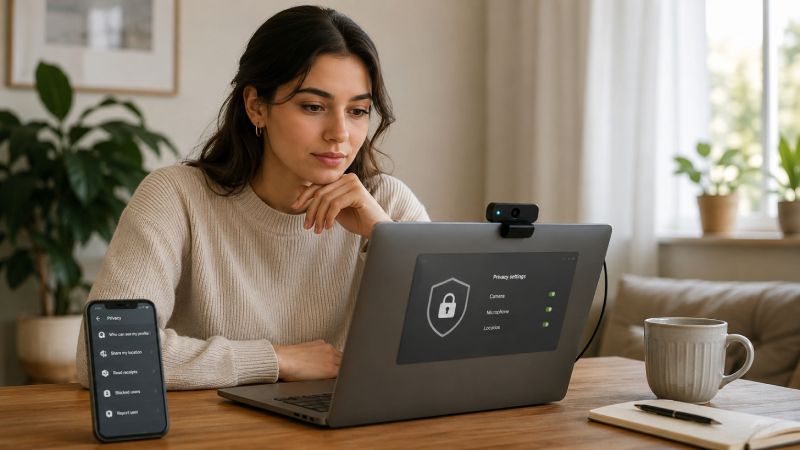
Talking to strangers online can feel exciting, easy, and surprisingly personal. A simple chat may turn into a fun conversation, a new friendship, or a meaningful connection. But not every detail belongs in an early conversation.
Names, locations, photos, account details, and daily routines may seem harmless in the moment. In the wrong hands, they can be used to track you, pressure you, scam you, or expose private parts of your life.
This guide explains what you should not share with strangers online, what privacy risks to watch for, and how to enjoy online conversations with more control and confidence.
What Personal Information Should You Never Share With Strangers Online?
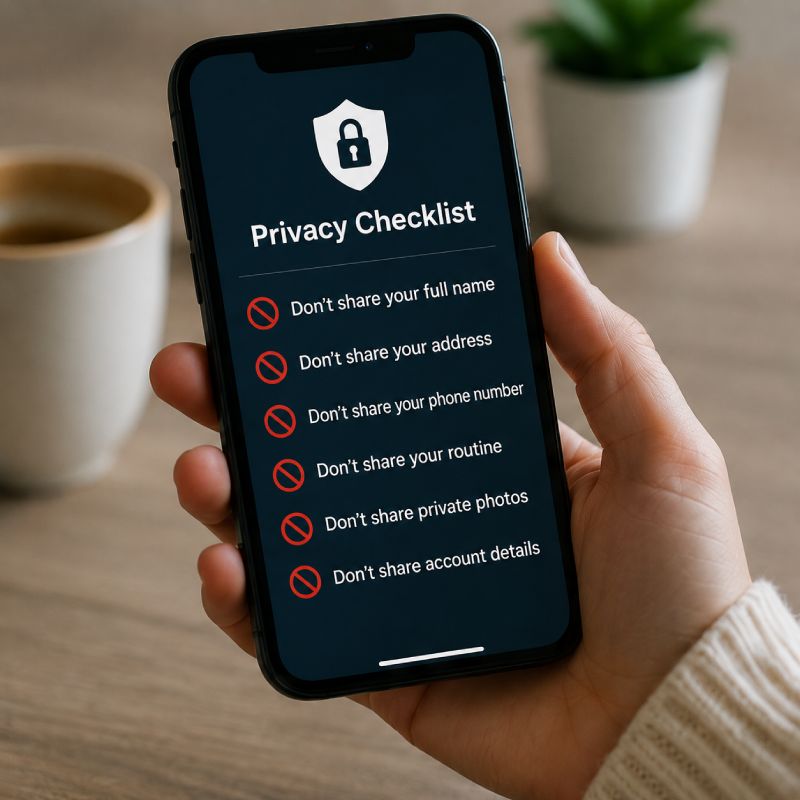
When you talk to strangers online, privacy risk often starts with small details. One piece of information may not seem serious, but your name, location, routine, and personal contacts can be combined to identify you or reach you outside the platform.
Keep early conversations general. You can talk about interests, hobbies, or daily life without giving details that connect directly to your real identity.
Full Name, Home Address, and Phone Number
Your full name, address, and phone number are direct identifiers. Once a stranger has them, they may be able to search for your social profiles, contact you outside the app, or learn more about where you live.
Use a nickname or first name only when possible. Avoid sharing anything that gives someone a direct path to your real-world identity, including your personal email, apartment number, or private social accounts.
School, Workplace, or Daily Routine
School, workplace, and routine details can reveal where you are likely to be. Even casual comments can become risky when they show a pattern, such as where you go every morning or when you are usually alone.
Instead of saying the exact place, keep it broad:
- "I work in marketing" instead of naming your company
- "I study at a university" instead of naming your school
- "I like coffee shops" instead of naming the one you visit every day
- "I usually stay busy after work" instead of sharing your daily schedule
This keeps the conversation natural without exposing where someone could find you.
Family Details or Private Relationship Information
Family and relationship details can make a conversation feel personal too quickly. A stranger does not need to know who you live with, where your family members are, or what private issues you are dealing with.
Be careful when a conversation moves into sensitive personal topics too soon. Details about roommates, children, parents, partners, conflicts, or someone else's contact information should stay private, especially in early chats.
Government IDs, Documents, or Sensitive Records
Never send IDs, passports, bills, medical records, legal documents, or screenshots that show private data. These files can expose your full name, address, date of birth, account numbers, or other sensitive information.
If a document proves who you are, where you live, what you own, or what account you use, do not send it in a casual online chat. Real verification should happen only through an official and secure process.
What Location Details Should You Keep Private Online?
Location details can expose more than where you are. They can show your habits, your home area, the places you visit often, and when you may be away. When talking to strangers online, it is safer to keep location information broad until you know the person well.
You can mention a city or general area if it feels necessary, but avoid details that make your exact location easy to trace.
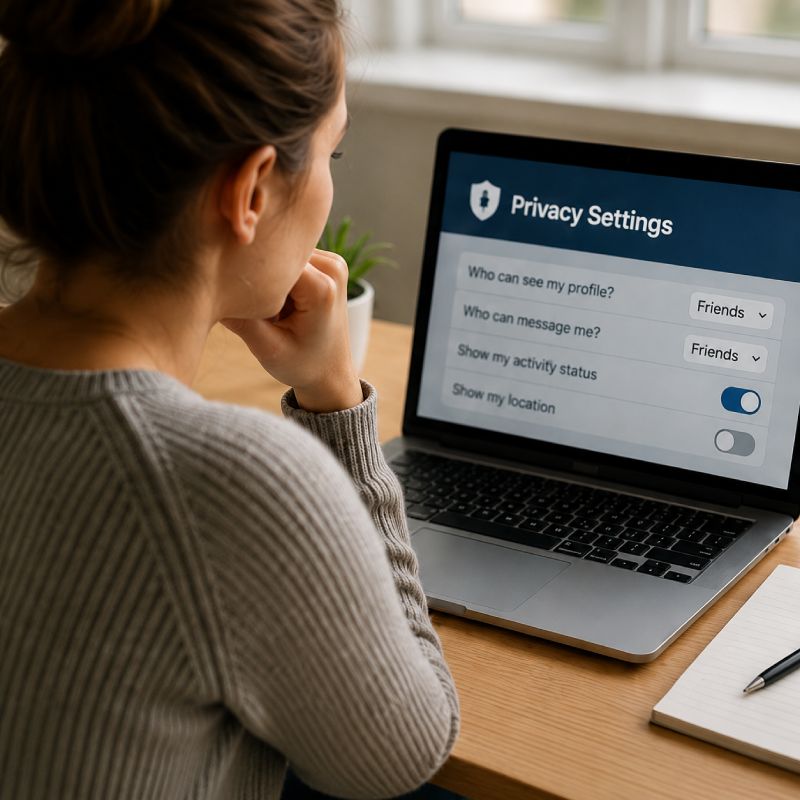
Real-Time Location or Check-In Information
Real-time location is one of the riskiest things to share with a stranger. Posting where you are right now, sending a live location, or saying the exact place you are visiting can make it easier for someone to find you in person.
Instead of sharing real-time details, use safer wording:
- "I'm out with friends" instead of naming the restaurant
- "I'm traveling this weekend" instead of sharing your hotel
- "I'm at an event" instead of posting the exact venue
- "I'm heading home soon" instead of sharing your route
This keeps the conversation natural without giving someone a live map of your movements.
Photos That Show Street Signs, Buildings, or Landmarks
Photos can reveal location even when you do not say where you are. A street sign, apartment entrance, school logo, store name, license plate, or landmark in the background can give away more than you notice.
Before sending a photo, check for signs, window views, mailboxes, building numbers, school names, office badges, or anything that points to a specific neighborhood. Crop the image, blur sensitive areas, or choose a different photo if it shows anything location-specific.
Camera Backgrounds That Reveal Where You Live
Video chat can expose private location details through your background. A window view, family photo, delivery box, document, room layout, or visible address label can help a stranger learn where you live or who you live with.
A privacy-friendly video setup does not need to be complicated. Sit in front of a plain wall, turn your camera away from windows, and remove personal items from view before starting the chat.
This also helps keep the focus on the conversation instead of giving away details about your home.
Travel Plans Before or During a Trip
Travel plans should stay private until the trip is over. Sharing your hotel, flight time, destination, or daily plan can tell strangers where you will be and when your home may be empty.
Be careful with details such as:
- Hotel name or room number
- Flight, train, or bus information
- Exact travel dates
- Daily itinerary
- Photos posted while still at the location
- Comments about being home alone or away from home
Talk about the trip in general terms while you are traveling. Save exact photos, hotel details, or daily plans for later if you still want to share them.
What Financial Information Should You Never Share With Strangers?
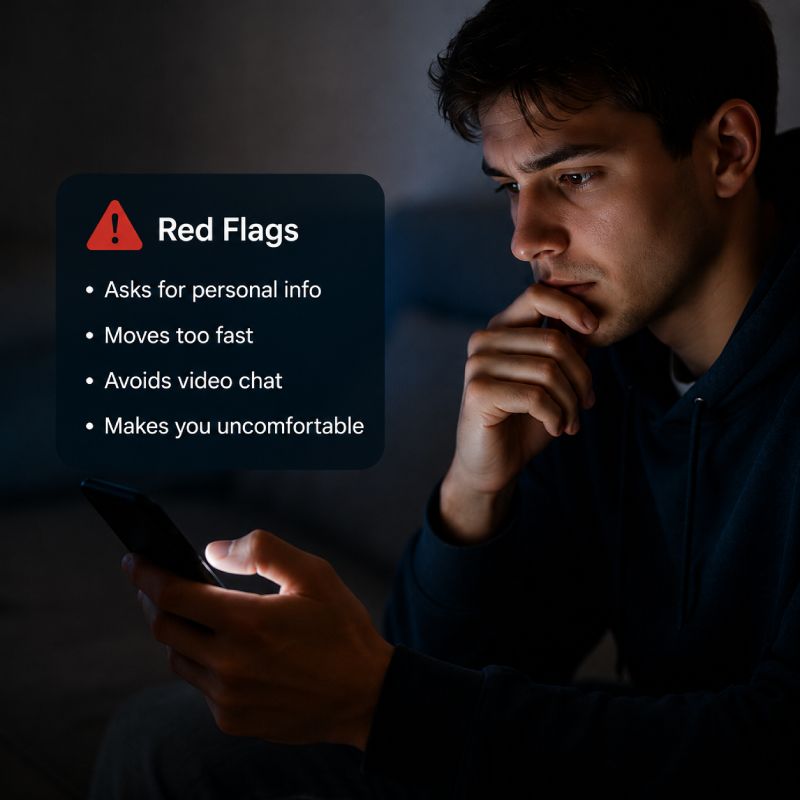
Money and account details should stay out of online conversations with strangers. No one you just met needs your payment information, login details, or security codes, even if the request sounds friendly or urgent.
Scammers often create pressure by asking for help, offering rewards, or pretending there is an emergency. If the conversation moves toward money, accounts, or verification, slow down and protect yourself first.
Bank Details, Card Numbers, or Payment Accounts
Never share bank account details, card numbers, payment app accounts, or wallet information with someone you met online. Even partial details can be enough for fraud, account takeover, or unwanted payment requests.
Be careful if someone asks you to:
- Send money for an emergency
- Receive money on their behalf
- Share a payment link
- Pay a fee to unlock a gift or prize
- Move the conversation to a payment app
A real connection should not require financial trust early on. If someone brings up money too quickly, treat it as a warning sign.
Passwords and Login Information
Your password should never be shared with anyone. This includes passwords for email, social media, messaging apps, cloud storage, gaming accounts, shopping accounts, or payment platforms.
A stranger may ask for login details by pretending to help you fix an issue, verify your identity, or recover an account. Do not follow that path. If you need account support, go directly to the official app or website instead of trusting a link or instruction from a chat.
Use strong, unique passwords for important accounts, and avoid reusing the same password across multiple platforms.
Verification Codes and One-Time Passwords
Verification codes and one-time passwords are designed to prove that you control an account. If you send the code to someone else, they may be able to log in, reset your password, or take over your profile.
Keep these codes private even if the person says:
- "I sent it by mistake"
- "I need it to verify you"
- "This is just for safety"
- "You will get paid after sharing the code"
- "I cannot continue chatting unless you confirm it"
A real platform will not ask you to send a code to another user in a casual conversation. If someone asks for one, stop the conversation and secure your account.
Screenshots That Show Private Account Details
Screenshots can reveal more than you mean to share. A simple image may show your username, email, balance, order history, address, private messages, account settings, or recovery information.
Before sending any screenshot, check for hidden details around the edges of the image. Crop or blur anything sensitive, or avoid sending the screenshot at all if it involves money, identity, or account access.
A good rule is simple: if the screenshot shows how to find, access, pay, verify, or contact you, keep it private.
Photos, Videos, and Personal Content to Be Careful With
Photos and videos can feel more casual than written information, but they often reveal more than users expect. A picture may show where you are, who you are with, what you own, or what is happening in your private life. Once personal content is sent, it can be saved, copied, or shared outside the conversation.
Before sending anything, ask yourself one question: would I still feel comfortable if this image or video left the chat?
Private Photos or Intimate Images
Private photos and intimate images should not be shared with strangers online. Even if the conversation feels friendly, romantic, or trustworthy, you cannot control what happens after the content is sent.
Someone may save the image, pressure you for more, threaten to share it, or use it to make you feel trapped. If a stranger pushes for private photos too quickly, that is not a sign of closeness. It is a warning sign.
Keep the boundary simple. You do not need to explain yourself, negotiate, or prove trust through personal content.
Photos of IDs, Tickets, Mail, or Documents
Some photos look harmless at first, but they can expose sensitive details. A boarding pass, package label, school card, bill, or piece of mail may show your full name, address, travel route, account number, or barcode.
Before sharing a photo, check for hidden private details such as:
- Names printed in the background
- Addresses on envelopes or packages
- Barcodes or QR codes
- Ticket numbers or booking details
- School, office, or membership IDs
- Reflections that show screens or documents
If the photo includes anything that connects to your identity, location, account, or travel plan, choose another image or crop it carefully.
Screenshares That Show Personal Files or Messages
Screensharing can reveal private information very quickly. A stranger may not need your password if they can see your inbox, files, browser tabs, saved names, notifications, or recent messages.
Close anything personal before sharing your screen. This includes email, banking pages, cloud folders, private chats, work files, and browser tabs that show account names or personal searches.
For casual online conversations, it is usually safer to avoid screensharing unless you fully understand what is visible.
Content That Could Be Saved, Shared, or Misused
The biggest risk with personal content is loss of control. A stranger can screenshot a chat, record a video call, download a file, or share content with other people without asking you.
Be extra careful with content that shows your face, body, home, workplace, school, family members, documents, or emotional personal moments. Even if the other person seems kind, the safest choice is to share slowly and keep sensitive content private.
A good rule is to treat every photo, video, or file as something that could leave the chat. If that thought makes you uncomfortable, do not send it.
How LivU Supports Safer Online Connections
Privacy protection is not only about what users avoid sharing. It also depends on whether they can slow down, leave, or report a conversation when something feels wrong. For users who want to meet new people online, LivU can fit into this approach by giving them flexible chat options and tools to manage unwanted interactions.
Real-Time Chat With More User Control
Real-time chat can make online conversations feel more personal, but users should still stay in control. On LivU, users can decide how much they want to share, how long they want to continue, and whether the conversation still feels comfortable.
This helps users enjoy live interaction without feeling forced to reveal private details too quickly.
Text Chat for Lower-Pressure First Conversations
Text chat can be a lower-pressure first step when users do not feel ready for video. It gives them time to think, reply carefully, and decide whether the other person feels respectful.
For users who want to meet new people slowly, starting with text can reduce pressure and make the conversation easier to manage.
Global Matching With Privacy Awareness
Global matching gives users more chances to meet people from different places and backgrounds. At the same time, users should still avoid sharing exact locations, travel plans, personal contacts, or private account details.
Meeting someone new can be fun, but privacy should stay protected no matter where the other person is from.
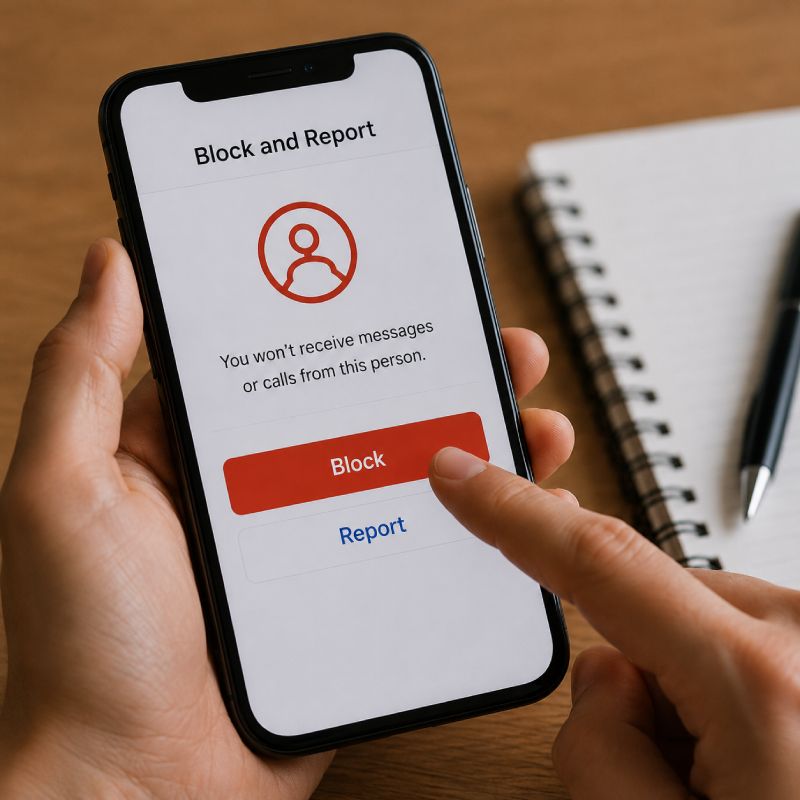
Block and Report Tools for Unwanted Interactions
If a conversation becomes uncomfortable, users should not feel responsible for continuing it. Block and report tools help users respond to rude, pushy, suspicious, or inappropriate behavior.
Using these tools early can prevent a bad conversation from becoming a bigger privacy or safety problem.
A Safer Way to Meet New People Online
A safer online connection does not mean users need to avoid meeting new people. It means they should stay aware, share slowly, and use platforms in a way that protects their privacy.
LivU can support this with flexible chat options and control tools, but the most important choice still belongs to the user: what to share, when to leave, and who to trust.
Conclusion
Talking to strangers online can be fun, but privacy should come first. Personal details, location clues, account information, and private content can create real risks when they are shared too early.
A safer approach is to keep early conversations light, protect sensitive details, and trust your instincts when something feels wrong. You can still meet new people online, but you should stay in control of what you share, who you trust, and when you choose to leave a conversation.
FAQ
Why is it risky to share personal information online?
Sharing personal information online is risky because strangers can use small details to identify, contact, track, or pressure you. Your full name, phone number, address, school, or workplace can reveal more than you may expect.
Can someone find my location from an online chat?
Yes, someone may be able to find your location if you share real-time updates, check-ins, photos, backgrounds, or travel details. Even a street sign, window view, building name, or routine can give away location clues.
Is it safe to share photos with strangers online?
It is safer not to share private or sensitive photos with strangers. Photos can be saved, screenshotted, forwarded, or misused after you send them, even if the conversation feels friendly.
Should I give my phone number to someone I met online?
You should avoid giving your phone number to someone you just met online. A phone number can connect to your real identity, social accounts, location history, or other personal information.
How can I protect my privacy during video chat?
Check your background before turning on your camera. Hide documents, photos, screens, address labels, and anything that shows where you live or work. Keep personal details general until you feel safe.
What are the warning signs of an unsafe online conversation?
Warning signs include pressure to share private details, requests for money, demands for photos, suspicious links, rude behavior, or someone trying to move the conversation off-platform too quickly. If the chat feels uncomfortable, leave, block, or report the user.


