
Making Friends | 2026-06-05
Can You Video Chat on WhatsApp?

Yes, you can video chat on WhatsApp. WhatsApp lets you make one-on-one and group video calls with people in your contacts, as long as both sides have the app and an internet connection.
It is a convenient choice for talking with friends, family, coworkers, or people you already know. However, WhatsApp may not be the best fit if your goal is to meet new people through live video chat, because it is mainly built around existing contacts. For that purpose, a social video chat platform such as LivU may be more suitable.
How to Start a Video Chat on WhatsApp
Starting a video chat on WhatsApp is simple if the person is already in your contacts and uses WhatsApp. You only need a stable internet connection, camera access, and the latest version of the app. You can start a video call directly from an existing chat or from the Calls tab.
Method 1: From a Chat
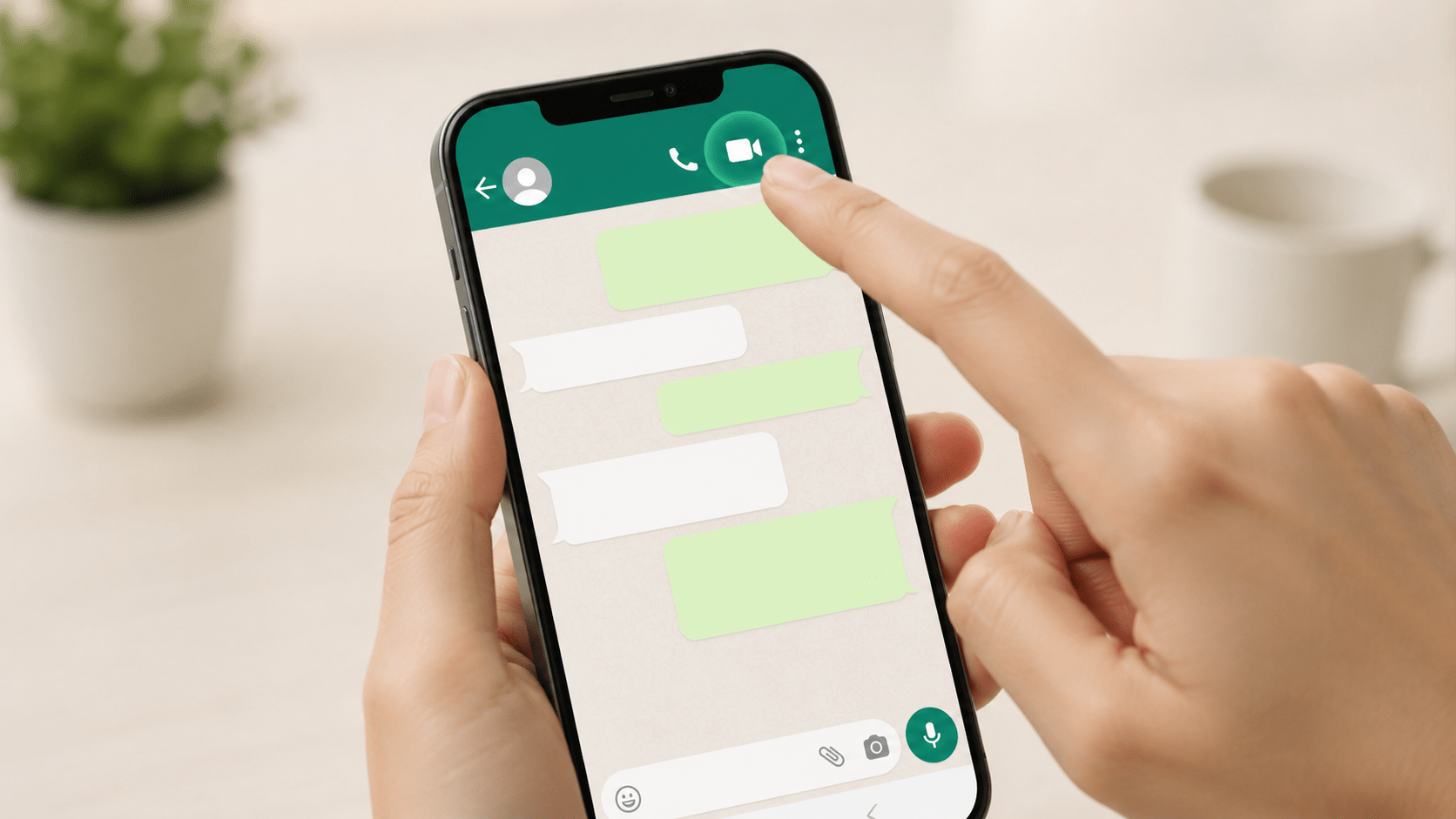
The easiest way to start a WhatsApp video chat is from a conversation. Open WhatsApp, choose the chat with the person you want to call, then tap the video camera icon at the top of the screen. WhatsApp will start a video call right away.
This method works best when you already have an active conversation with the person. It is useful for quick calls with friends, family, coworkers, or anyone you already communicate with on WhatsApp.
Method 2: From the Calls Tab
You can also start a video chat from the Calls tab. Open WhatsApp, go to Calls, tap the new call button, choose a contact, then tap the video camera icon next to their name.
This method is helpful when you want to call someone without opening a previous chat. It also makes it easier to find recent calls or start a new video call from your contact list.
You can also start a group video call from a group chat or by adding people during a call, depending on your app version and device.
Is WhatsApp the Best Choice for Every Video Chat?
WhatsApp is a good choice for video chatting with people you already know. It is simple, familiar, and widely used for everyday communication. However, it is not the best option for every video chat situation, especially if your goal is to meet new people or start conversations outside your contact list.
Best for Existing Contacts
WhatsApp works best when you want to video chat with friends, family, classmates, coworkers, or other people already saved in your contacts. You can start a call quickly, continue from an existing chat, and stay connected through messages, voice calls, and video calls in one app.
This makes WhatsApp useful for daily communication. If both people already know each other, WhatsApp keeps the video chat private, direct, and easy to manage.
Limited for New Connections
WhatsApp is less useful if you want to meet new people through video chat. The app is mainly built around phone numbers and existing contacts, so it does not offer random video matching or social discovery features.
This means you usually need someone's contact information before starting a video chat. For users who want spontaneous conversations, real-time matching, or social video chat with new people, WhatsApp may feel limited.
Choose Based on Your Goal
The best video chat app depends on what you want to do. If you want to talk to someone you already know, WhatsApp is a convenient option. If you want to meet new people, explore live conversations, or connect through video matching, a social video chat app may be a better fit.
In other words, WhatsApp is strong for existing relationships, while websites like LivU are designed more for new connections and real-time social video chat.

What If You Want to Meet New People by Video Chat?
If your goal is to meet new people by video chat, WhatsApp may not be the most suitable choice. WhatsApp works best when you already have someone's phone number or contact information. It is useful for continuing existing relationships, but it does not focus on helping you discover new people.
For users who want live conversations outside their contact list, a social video chat platform can be a better fit. These platforms are built for quick discovery, real-time interaction, and casual conversations with people you have not met before.
Social Video Chat
Social video chat is different from calling someone you already know. Instead of starting with a saved contact, it starts with discovery. You open the platform, connect with someone new, and decide whether you want to continue the conversation.
This type of video chat is useful when you want to:
- Meet people outside your current contact list
- Start casual conversations without a long setup
- Talk face to face in real time
- Explore new social connections
- Move on quickly if the chat does not feel right
For this kind of use, WhatsApp is less direct because it is centered on contacts and phone numbers.
Real-Time Video Matching
Real-time video matching makes online conversations feel faster and more natural. Instead of sending messages and waiting for a reply, you can connect through live video and see whether the conversation feels interesting right away.
This can be helpful if you want a more spontaneous way to chat. A matching-based experience usually gives users a quicker path to live conversations, especially when they do not already know who they want to talk to.
Real-time matching is especially useful for:
- Quick video conversations
- Casual social discovery
- Meeting people from different places
- Reducing the wait time before a live chat starts
- Choosing whether to continue or end a conversation based on the real interaction
LivU Website for New Connections
The LivU website fits this use case when your goal is to start live conversations with people outside your contact list. While WhatsApp is better for trusted contacts, LivU is more useful for social discovery, real-time matching, and casual video conversations with new people.
This makes LivU more suitable when you are not trying to call a specific friend, family member, or coworker. Instead, it works for users who want to start a fresh conversation, meet someone new, and experience video chat as a social activity.
A simple way to think about it is this:
- Use WhatsApp when you already know who you want to call.
- Use LivU when you want to discover and meet new people through live video chat.
WhatsApp Video Chat vs LivU: What Is the Difference?
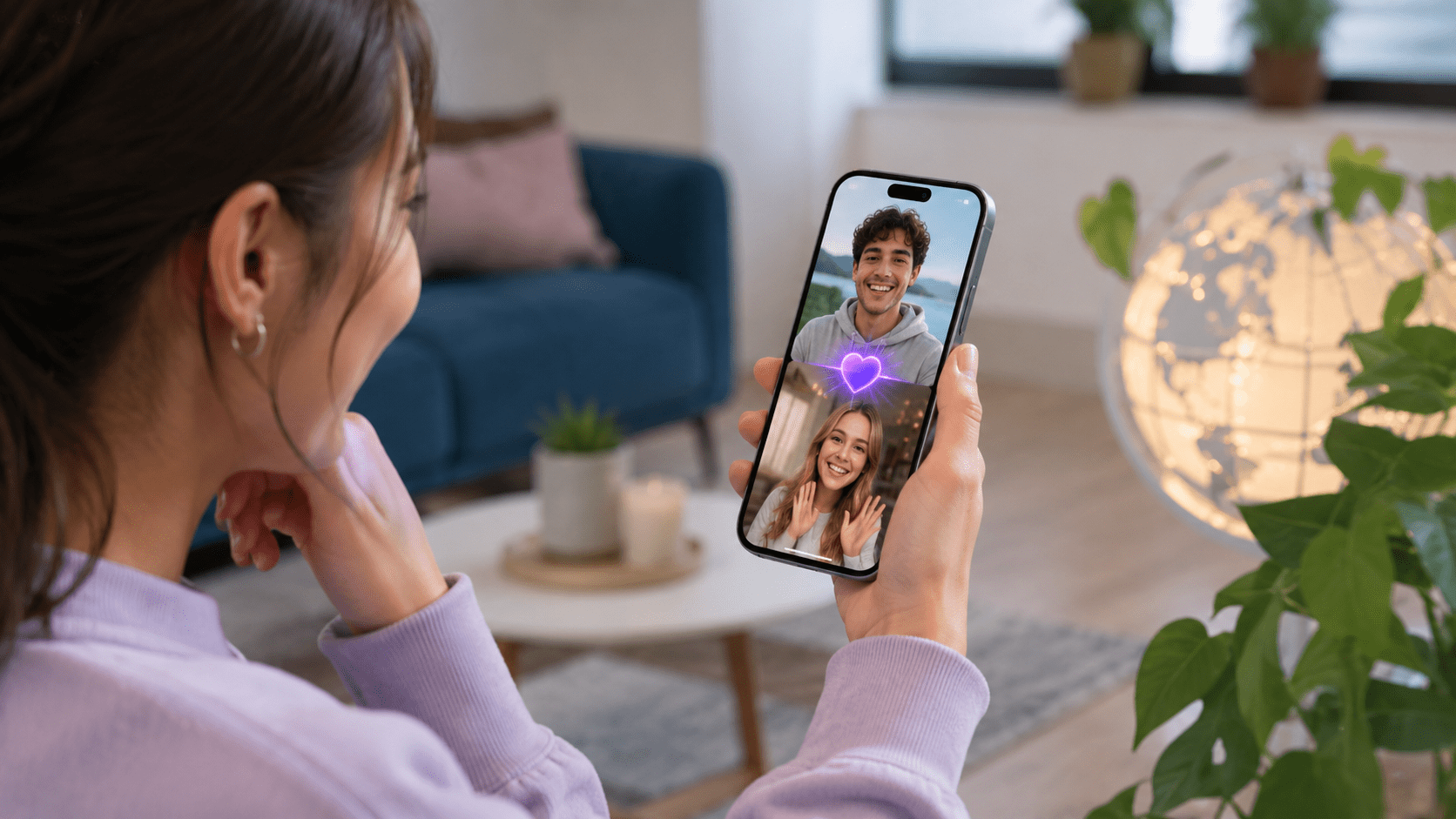
The main difference between WhatsApp video chat and LivU is the purpose of the conversation. WhatsApp is built for talking to people you already know, while LivU is designed for meeting new people through social video chat.
Both platforms support live video communication, but they are built for different user goals. WhatsApp is better for private, contact-based communication. LivU is more suitable for users who want real-time matching, casual conversations, and new social connections.
Contact-Based Chat vs New People Discovery
WhatsApp video chat usually starts with someone already in your contacts. You need the person's phone number, and the call often continues an existing relationship or conversation. This makes WhatsApp a strong choice for trusted communication.
WhatsApp is useful for:
- Friends and family calls
- Work or school communication
- One-on-one video calls with known contacts
- Group calls with people you already know
- Private conversations based on saved phone numbers
LivU works differently. It is designed for people who want to meet someone new through video chat. Instead of starting with a saved contact, users can discover new people through real-time matching and social video features.
LivU is useful for:
- Meeting new people by video
- Starting spontaneous conversations
- Social video chat with strangers
- Real-time video matching
- Casual chatting beyond your contact list
Everyday Communication vs Social Video Chat
WhatsApp is mainly an everyday communication app. It works well when you need a reliable way to message, call, or video chat with people already in your life. The experience is more direct and contact-based.
LivU focuses more on social discovery. It is not just about calling someone you already know. It gives users a way to connect with new people, start live conversations, and explore video chat as a social experience.
The difference comes down to intent:
- Use WhatsApp when you already know who you want to call.
- Use LivU when you want to meet someone new.
- Use WhatsApp for private daily communication.
- Use LivU for social video matching and new connections.
Which One Should You Use?
Choose WhatsApp if your goal is simple video calling with people you already know. It is a practical option for family calls, friend chats, work updates, and regular communication.
Choose LivU if your goal is to meet new people through video chat. It is better suited for users who want live social interaction, quick matching, and conversations outside their existing contact list.
| Feature | WhatsApp Video Chat | LivU |
|---|---|---|
| Best For | Talking to existing contacts | Meeting new people |
| Main Use | Everyday communication | Social video chat |
| How Calls Start | From chats, contacts, or calls tab | Through real-time matching and discovery |
| Contact Requirement | Usually needs a saved phone number | Built around matching instead of saved phone contacts |
| Social Discovery | Limited | Stronger focus on new connections |
| Good For | Friends, family, coworkers, classmates | Casual chats, new people, live video matching |
| Best Choice If | You know who you want to call | You want to discover someone new |
Safety Tips Before Using Any Video Chat Website or App
Before using any video chat website or app, think about privacy and personal safety first. Video chat feels more direct than text chat, so you should know what to share, what to avoid, and how to leave a conversation when something feels wrong.
A safer video chat experience usually starts with a few simple habits:
- Keep personal details private
- Check what appears in your camera background
- Stay inside the app or platform at first
- Use block and report tools when needed
- End the chat if the conversation feels uncomfortable
Protect Your Personal Information
Do not share private information with someone you just met through video chat. Even if the conversation feels friendly, you should keep sensitive details off camera and out of the conversation.
Avoid sharing:
- Your home address
- Your phone number
- Your workplace or school
- Your financial information
- Passwords or account details
- Personal documents or ID information
- Daily routines or exact location
You should also check your background before starting a video chat. Mail, street signs, family photos, work screens, or location clues can reveal more than you expect. A plain wall or simple background is usually safer.
Use Block and Report Features When Needed
Block and report tools are there to help you control your experience. If someone acts in a way that feels rude, unsafe, aggressive, or inappropriate, you do not need to keep talking.
Use block or report features when someone:
- Asks for private information
- Makes you feel uncomfortable
- Sends or shows inappropriate content
- Pressures you to move to another app
- Harasses, threatens, or insults you
- Breaks the platform's rules
You can also end a video chat without explaining yourself. A safe video chat should feel respectful and easy to leave at any time.
Be Careful When Chatting With People You Do Not Know
Video chatting with new people can be fun, but it needs more caution than chatting with friends or family. When you meet someone through a video chat web platform, keep the conversation casual at first and avoid sharing too much too quickly.
Be extra careful if someone:
- Pushes you to share personal photos
- Asks for money or gifts
- Wants your phone number immediately
- Tries to move the conversation off the platform too fast
- Avoids answering basic questions but asks many personal ones
- Makes the conversation feel rushed or uncomfortable
The best approach is simple: enjoy the chat, but keep control of your privacy. If something feels wrong, leave the conversation and use the platform's safety tools.
Conclusion
WhatsApp is the easiest choice when you already know who you want to call. It works well for private video chats, quick updates, family calls, friend conversations, and group calls with existing contacts.
If your goal is to meet new people, WhatsApp may feel limited because it starts from contacts and phone numbers. For live discovery, real-time matching, and social video chat beyond your contact list, LivU is a better fit. Choose WhatsApp for trusted contacts, and choose a social video chat platform when you want to start new conversations.
FAQs About Video Chat on WhatsApp and Other Apps
Can you video chat on WhatsApp Web?
WhatsApp Web calling is supported on certain desktop systems and browsers, but availability can still vary by device, browser, and permissions. If you do not see a video call button, update your browser, check camera and microphone access, or use the WhatsApp mobile app or official desktop app.
Is WhatsApp video chat free?
Yes, WhatsApp video chat is free to use through an internet connection. You do not pay a separate WhatsApp calling fee, but video calls can use mobile data if you are not on Wi-Fi.
Why is my WhatsApp video call not working?
A WhatsApp video call may not work because of a weak internet connection, outdated app version, blocked camera or microphone permissions, or device issues. Check your connection, update WhatsApp, allow camera and microphone access, then restart the app if needed.
Can you video chat on WhatsApp without sharing your phone number?
In most cases, WhatsApp is tied to your phone number, so it is not ideal if you want to video chat without sharing contact information. For meeting new people without immediately sharing your number, a social video chat platform may be more suitable.
Is WhatsApp video chat private?
WhatsApp says its voice and video calls are end-to-end encrypted. Still, you should only call people you trust, avoid showing personal details in your background, and be careful about what you share during the call.
Can you make a group video chat on WhatsApp?
Yes, WhatsApp supports group video calls. On supported WhatsApp apps and devices, group calling can include up to 32 people. Group video chat works best when everyone has a stable internet connection and an updated app.


